Flight World codes in Roblox: free cash (Oct 2026)
Published on · Updated on
The only code confirmed by the developer yields about 40,000 in Cash; see the full list, the step-by-step redemption and what has already expired.
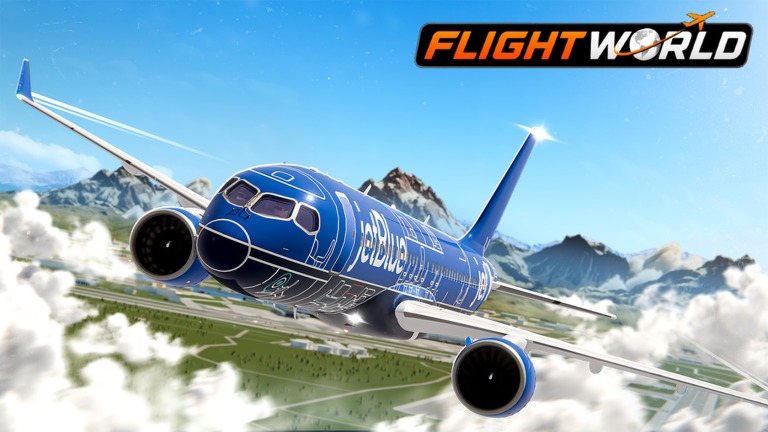
Flight World is one of the most popular flight simulators on Roblox, and promo codes remain the fastest way to fatten up your Cash balance without spending hours flying. The problem is that the list circulating online is out of date: of the six codes published by PCGamesN in October, most already appear marked as expired in other specialist guides. This Wednesday (the 18th), the only code printed in the game's own official description was 300KLIKES.
Below you will find the complete list, what is confirmed, how much each code usually yields, the step-by-step redemption and what to do when the game rejects a key.
What is Flight World (and why the codes are worth so much)
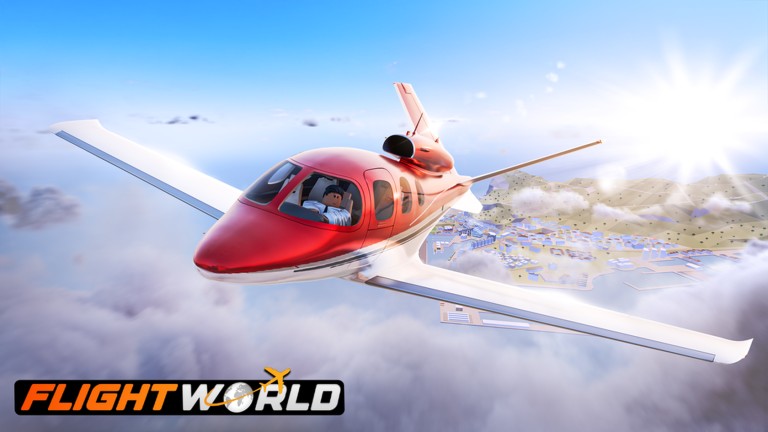
Flight World is a flight simulation experience created by the group Limitless Flight and published on Roblox on July 28, 2024. The game puts the player at the controls of civilian aircraft: you must carry passengers and deliver cargo to accumulate Cash and, with it, unlock larger and faster planes.
The size of the community explains why any new code goes viral. According to the platform's own public data, the experience has already accumulated more than 133.7 million visits and 7.4 million favorites, with 355,733 upvotes against 14,107 downvotes — a 96.2% approval rating. The Limitless Flight group has 715,187 members, and each server accepts up to 26 players per match.
The official title on Roblox today is [FIRE FIGHTING] Flight World: the prefix indicates that firefighting has joined the package of tasks, alongside passenger flights and cargo transport. The game's tags list exactly what the audience looks for there — plane, flight, pilot, jet, aircraft, airport, landing and simulator —, and the official classification is Simulation / Vehicle, with no combat component whatsoever.
Which Flight World codes are working in October 2026
The game's codes yield Cash, the currency used in the hangar. They are not cosmetic items: the money goes straight into buying aircraft, which changes the routine for those just starting out. Because the developer deactivates old keys without warning, the list changes often — and that is exactly where the confusion lies.
PCGamesN published a list with six codes in October (ONEHUNDRED, 190KLIKES, 125KLIKES, RELEASE, THANKSFORSUPPORT and NEWPLANES), but it does not mention 300KLIKES and does not say how much each one gives. Other outlets that follow the game treat most of these keys as expired. The table below cross-references the two sources of information:
| Code | Status on 10/18/2026 | Reported reward |
|---|---|---|
| 300KLIKES | Confirmed — appears in the game's official description, written by the developer | About 40,000 in Cash; Dexerto cites 30,000 |
| ONEHUNDRED | Published by PCGamesN; Dexerto and Pocket Tactics list it as expired | About 25,000 in Cash |
| 190KLIKES | Published by PCGamesN; Pocket Tactics lists it as expired | About 25,000 in Cash |
| 125KLIKES | Published by PCGamesN; Dexerto and Pocket Tactics list it as expired | About 25,000 in Cash |
| RELEASE | Published by PCGamesN; Dexerto and Pocket Tactics list it as expired | About 25,000 in Cash |
| THANKSFORSUPPORT | Published by PCGamesN; Dexerto and Pocket Tactics list it as expired | About 25,000 in Cash |
| NEWPLANES | Published by PCGamesN; Pocket Tactics lists it as expired | About 25,000 in Cash |
Let us say it plainly: the old codes did not die by chance. The developer usually retires them when it publishes a new key, generally to celebrate like milestones on the platform. If one of the items above is accepted on your server, great — redemption is cumulative, and each code can only be used once per account.
What the Cash from the codes buys in the game
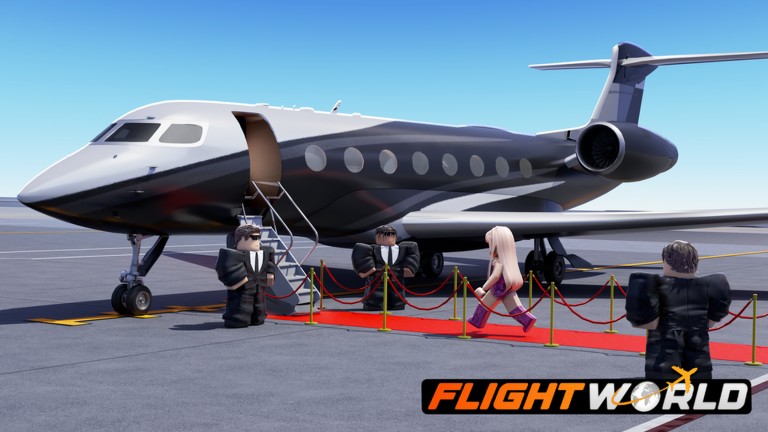
Anyone entering Flight World for the first time gets a free training aircraft, small and slow, enough only for the first routes. From there, progression depends on money: each plane in the hangar costs more than the previous one, and the larger models require hundreds of thousands in Cash — an amount that only shows up after many deliveries.
It is precisely this bottleneck that the codes ease. With 40,000 in Cash in your pocket, you skip the most tedious grind phase and can already aim for mid-size aircraft, with more cargo capacity and greater range between the map's airports. The codes work, therefore, as an entry shortcut — not as endgame content.
How to redeem Flight World codes (step by step)
Redemption is done inside the game, never on the Roblox website. The process is short:
- Open Flight World through the Roblox app or website and join a server.
- In the lower left corner of the screen, click the Shop menu. In some versions of the interface, the same menu appears as a gift icon.
- Scroll the shop to the bottom of the page or click the Codes tab.
- Type or paste the code into the corresponding text box, exactly as it appears in the list — uppercase included.
- Click Redeem to confirm.
- Check the message on screen: the Cash should be credited to the account right away.
If the key is accepted, the balance appears updated in the corner of the screen. If nothing happens, the problem is almost always the code, not the game — and that is what the next section explains.
Why the codes do not work
Roblox codes are sensitive to typos, and most failures have the same origin. It is worth checking, in order:
- Invisible spaces: a single space before or after the code is enough to invalidate it. Use copy and paste from the list, not manual typing.
- Uppercase and lowercase: RELEASE is not the same thing as release.
- Letters swapped for numbers: zero and the letter O, or one and the letter I, look alike on screen and break the redemption.
- Expired code: old keys stop working out of the blue, without warning, when the developer releases a new one.
- Old server: if a new code does not go through, leave and join a different server — outdated builds sometimes take a while to recognize the key.
One last trap: the codes menu is inside the game, not in the chat or on the Roblox website. Trying to redeem through the platform's page never works, no matter how correct the key is.
How to get more codes and the next likes milestone
Flight World codes follow a clear pattern: the developer publishes a key when the game crosses a round number of likes. The official description itself announces the next one:
💎 Use code "300KLIKES"
❗❗ New code at 350,000 Likes!— Official Flight World description, on the game's page on Roblox
The catch is that the milestone mentioned has already been passed: as of October 18, the game had 355,733 upvotes, above the 350,000 likes promised as the trigger. In other words, the next code is expected at any moment — but it had not been published in the description as of this article's fact-checking.
To follow along first-hand, the official channels are the Limitless Flight group on Roblox and the official Discord server, cited by the game's page and by the code guides. The developers also usually announce news on their social networks. It is worth bookmarking this page: we test and renew the list with every update to the experience.
At O Santuário Geek, our coverage of codes for the platform continues with other games — there are active lists for Bahay Kubo Garden and for Dino Evolution, plus other lists in the Roblox category and in the platform hub.
Official game page: Flight World on Roblox. Lists consulted for comparison: PCGamesN, Dexerto and Destructoid.
Suggested and related articles
+1 Venom Evolution: how the Evolve system works in Roblox
Climb For Animals Eggs: farm Speed fast in Roblox
Fisch guide: how to get the Omniscient Spinecaster rod
FischFright 3 guide: all relics and skulls, with prices
How to Earn Robux on Roblox Safely